
Sample date section
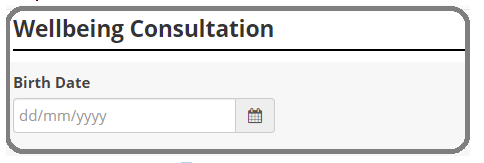
Add a date section
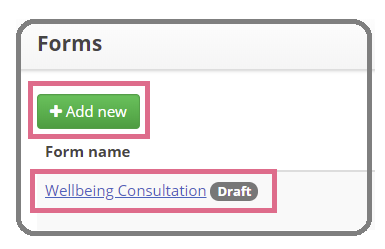
1. To add a date section to your form either select the + Add new button to start creating a new form, or select the form you want to add the date to from your list.
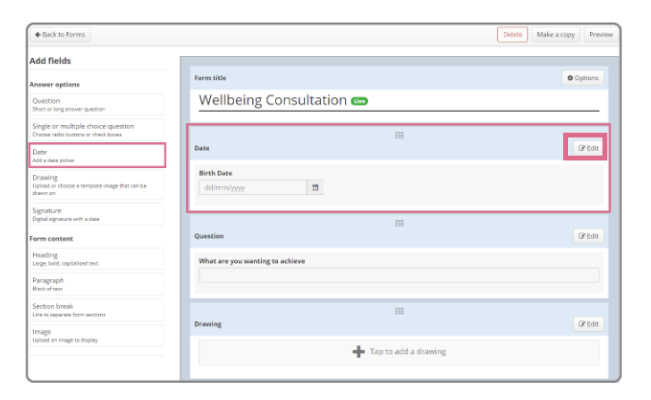
2. From the left-hand menu select the Date option. Then select Edit on the right.
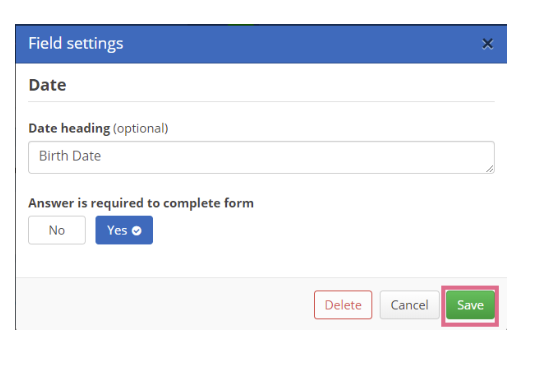
3. Enter a Date heading if desired, then select Yes if the Answer is required to complete form.
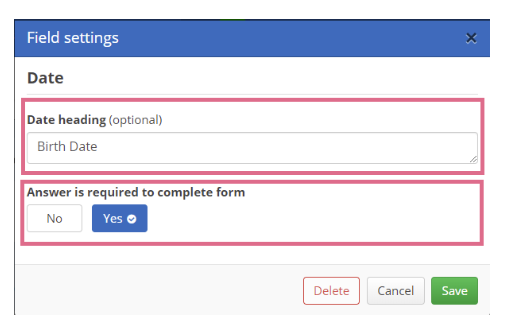
4. Select Save.
Comments
0 comments
Please sign in to leave a comment.